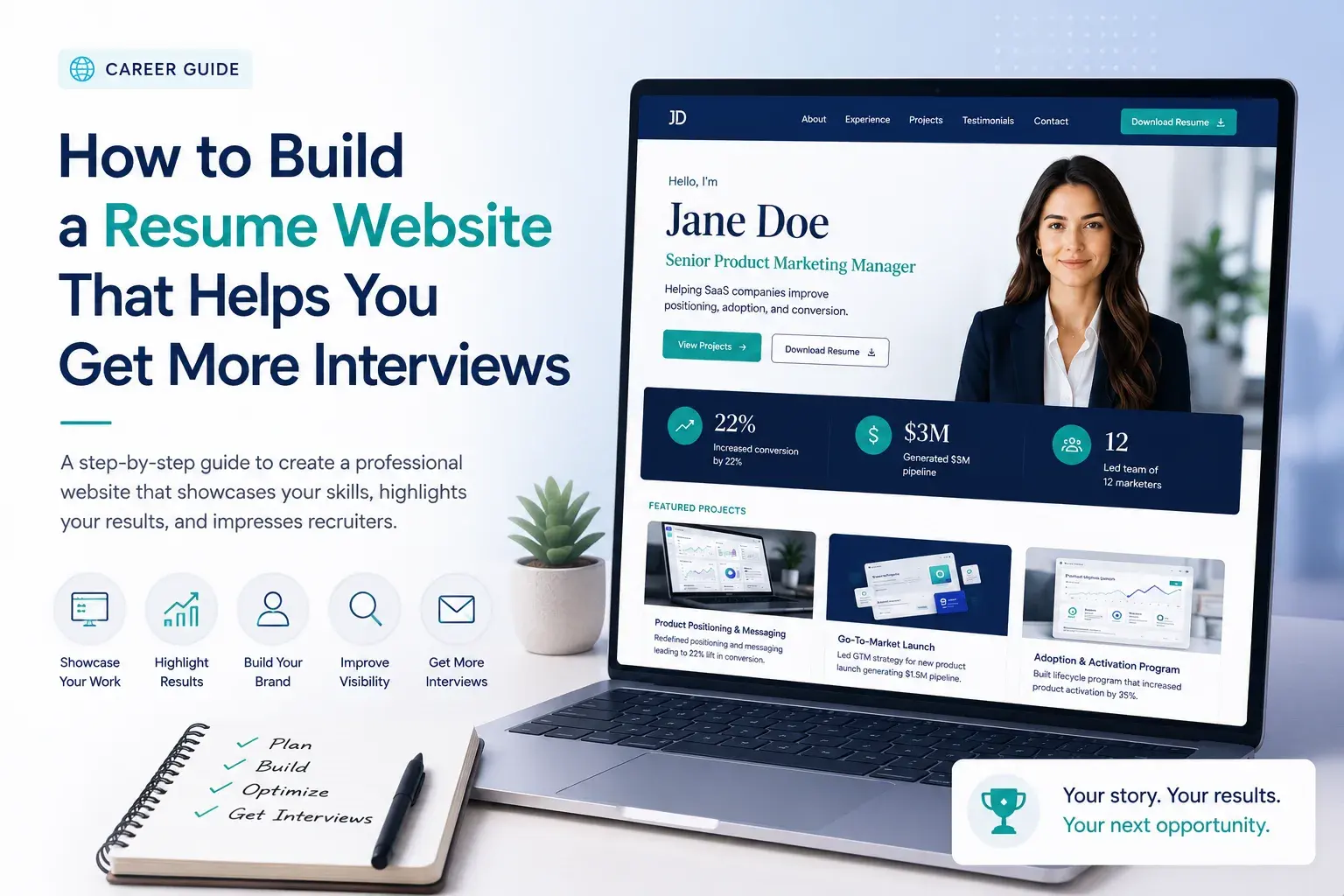
How to Build a Resume Website That Helps You Get More Interviews
Discover how to create a resume website that helps recruiters quickly understand your value. Compare builders, see examples, and improve SEO.
How to Build a Resume Website That Helps You Get More Interviews
A resume website is no longer just for designers and developers.
Whether you're a marketer, product manager, consultant, freelancer, executive, or software engineer, a personal website gives you something a PDF resume cannot: space to show proof.
A recruiter can scan your experience, review projects, verify results, and contact you without digging through attachments or LinkedIn sections. More importantly, you control the story.
The problem is that most resume websites fail for the same reasons:
- They look impressive but communicate very little.
- They bury important information under flashy design.
- They read like copied resumes instead of compelling professional profiles.
- They make recruiters work too hard to find relevant details.
The best resume websites are surprisingly simple. They help visitors answer three questions within seconds:
- Who are you?
- What do you do?
- Why should someone hire you?
This guide covers everything you need to build a professional resume website, from choosing a platform and domain name to structuring content, improving SEO, protecting privacy, and increasing recruiter response rates.
Why Build a Resume Website?
A resume website acts as a professional home base.
Instead of emailing updated resumes every time you change jobs or complete a major project, you can maintain one location that always reflects your latest work.
Benefits include:
- Showcasing projects and case studies
- Demonstrating expertise beyond resume bullet points
- Improving personal branding
- Supporting networking and speaking opportunities
- Making updates easier than editing PDFs
- Appearing in search results when people search your name
For freelancers and consultants, a website also functions as a sales asset by displaying services, testimonials, pricing information, and client work.
When a Resume Website Matters Most
A website creates the most value when:
- You work in a portfolio-driven field
- You have measurable achievements worth showcasing
- You are transitioning careers
- You freelance or consult
- You are building a public professional reputation
If you're applying for highly structured corporate roles and have limited project-based work, a website is helpful but not essential. For everyone else, it can become a meaningful competitive advantage.
What Recruiters Actually Look At
Many candidates assume recruiters study websites carefully.
Most do not.
Initial reviews are often fast.
A recruiter typically wants to determine:
- Current role
- Relevant experience
- Demonstrated results
- Portfolio or work samples
- Contact information
That means your homepage should prioritize clarity over creativity.
The 15-Second Homepage Test
Imagine a recruiter opens your website.
Without scrolling, can they answer:
- What do you do?
- What level are you?
- What makes you valuable?
- What should they click next?
If not, the homepage needs improvement.
The Ideal Resume Website Structure
Most professionals only need five core sections.
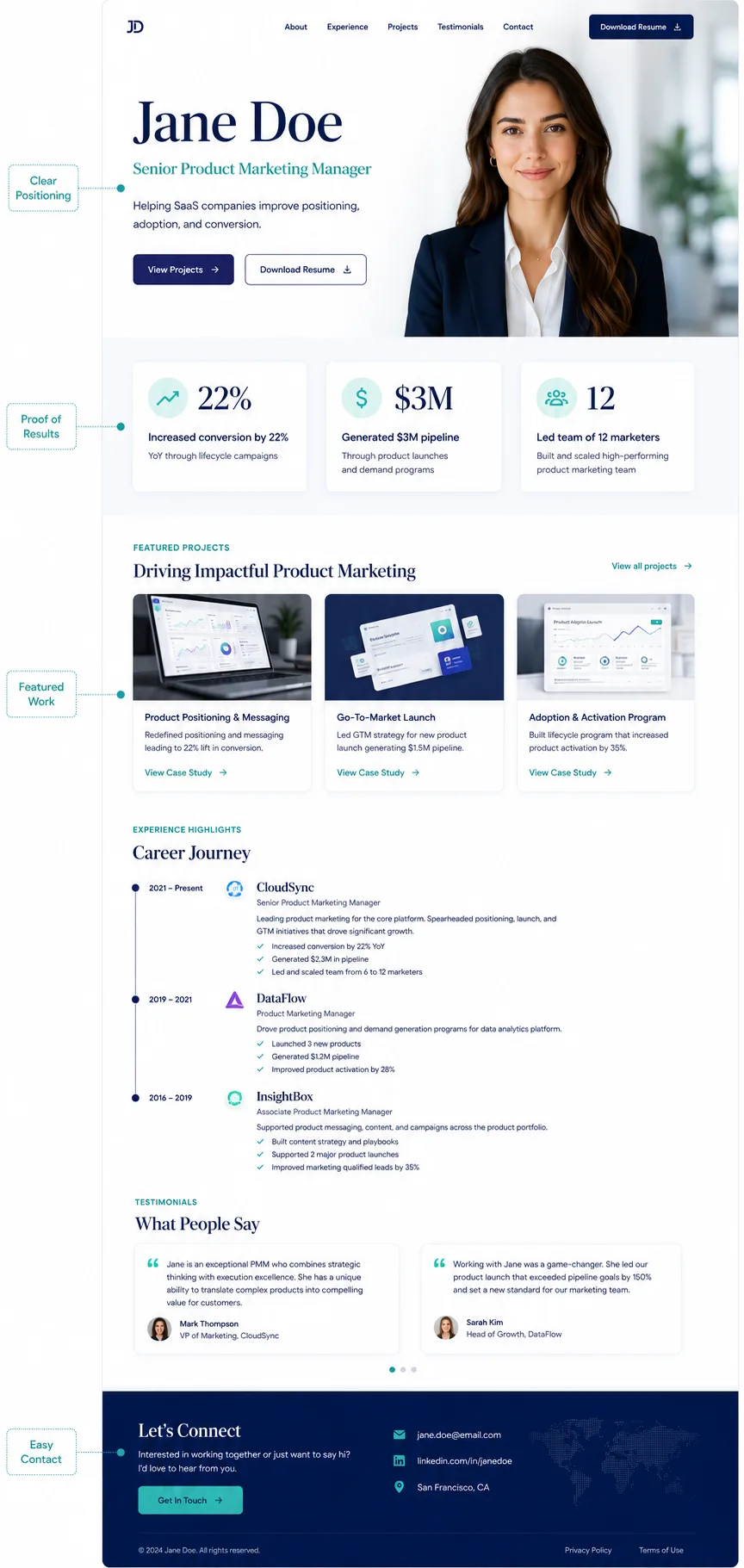
1. Hero Section
This is the most important section on the entire site.
Include:
- Name
- Target role
- One-sentence value proposition
- Primary call-to-action
Weak Example
"Welcome to my portfolio."
Strong Example
"Product marketer helping SaaS companies improve adoption, positioning, and conversion."
CTA Examples
- View Projects
- See Case Studies
- Download Resume
- Contact Me
2. Experience Highlights
Don't turn this into a full resume.
Instead, highlight accomplishments.
Weak Example
Marketing Manager
ABC Company
2022–2025
Strong Example
Marketing Manager, ABC Company
- Increased trial-to-paid conversion by 18%
- Reduced acquisition costs by 22%
- Launched product campaigns generating $2.1M pipeline
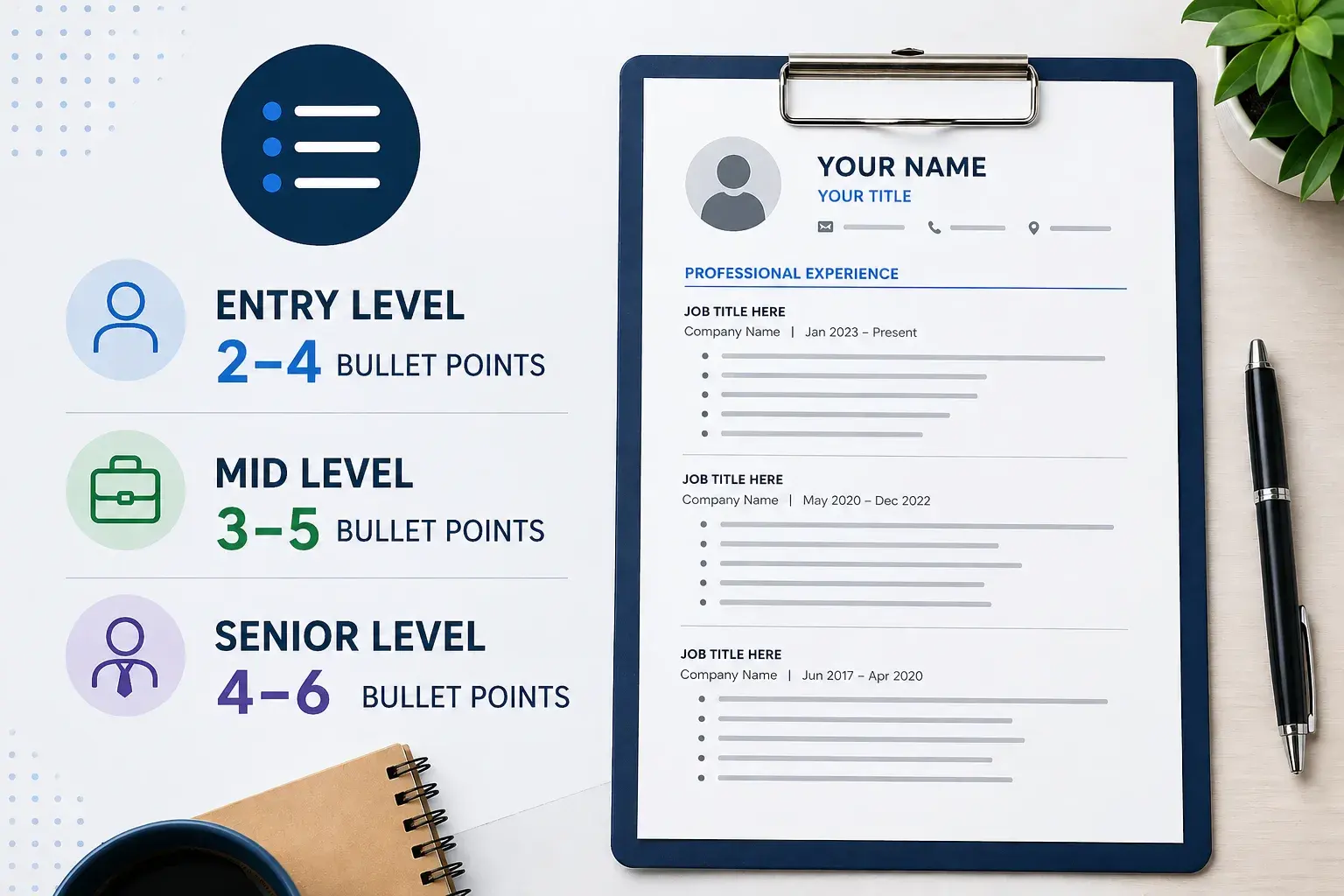
Outcomes are more persuasive than responsibilities. If you're struggling to turn job duties into achievement-focused statements, our guide to resume optimization strategies covers how to write stronger accomplishment-driven bullets and improve ATS compatibility.
If you're unsure how much information to include for each role, these resume bullet point best practices can help you balance detail, readability, and ATS requirements.
3. Featured Projects
Projects often create more interest than job descriptions.
Use a simple framework:
Challenge
What problem existed?
Actions
What did you do?
Results
What changed?
Example
Challenge:
Low activation rates among new users.
Actions:
Redesigned onboarding flow and implemented lifecycle email sequences.
Results:
Improved activation by 27% within three months.
4. Resume Download
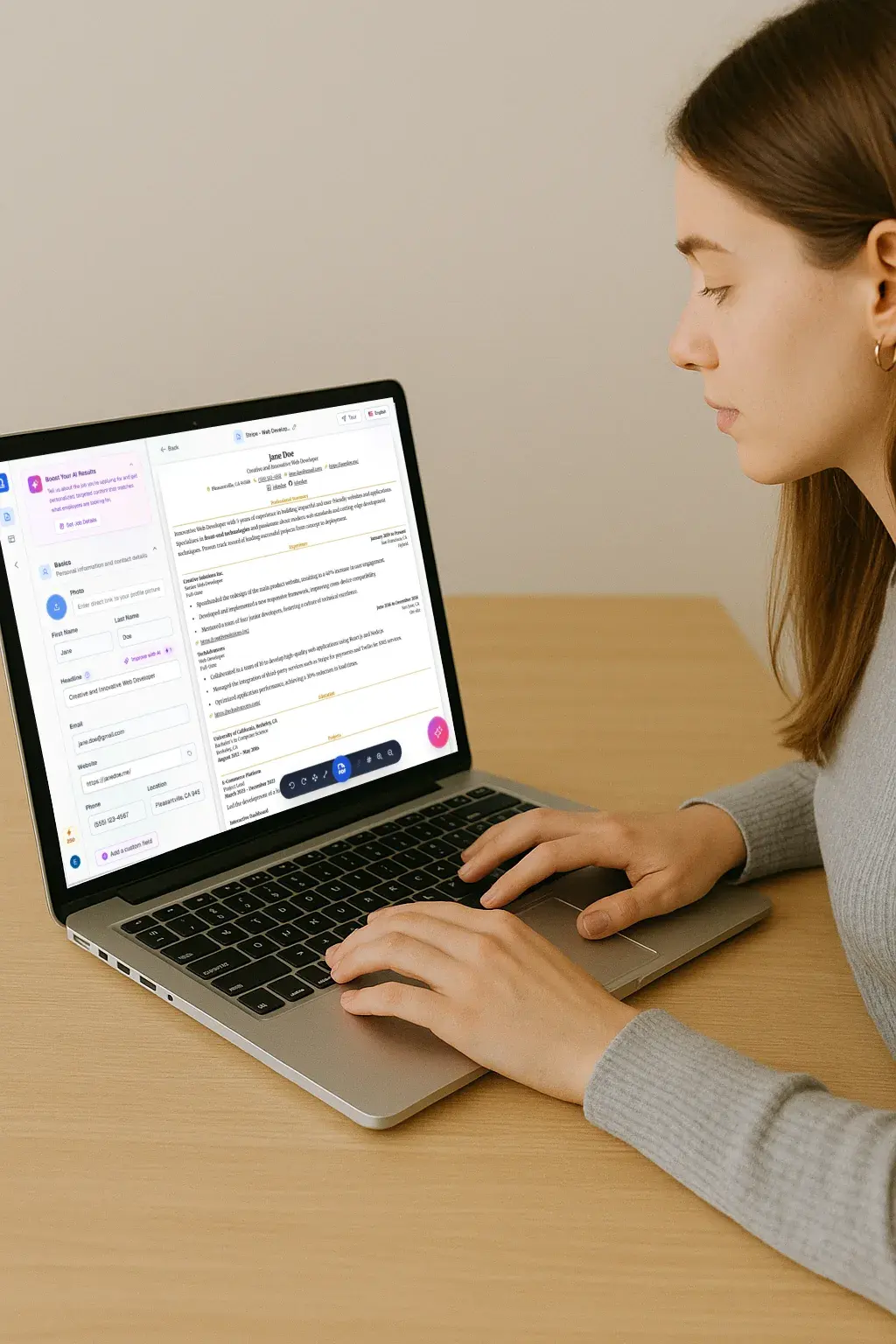
Many recruiters still need a PDF. If your resume hasn't been updated recently, consider refreshing it before publishing it on your website. Guided resume builders can help improve structure, clarity, and ATS compatibility while reducing manual editing.
Include a prominent download button.
Keep the file updated.
Use a clear file name:
Jane-Doe-Resume.pdf
Not:
resume-final-v7-new.pdf
5. Contact Section
Reduce friction.
Include:
- Optional contact form
Avoid forcing visitors through complicated forms.
Website Builder Comparison
The right platform depends on your goals, technical comfort level, and how much control you want over your personal brand. Some builders prioritize speed and simplicity, while others offer advanced customization for professionals who want a more polished online presence.
Popular options include Carrd for creating simple one-page resume websites quickly, Squarespace for polished templates and built-in portfolio features, Webflow for greater design flexibility and customization, Notion for lightweight personal sites that are easy to maintain, and Framer for modern, visually engaging websites with interactive elements.
When comparing platforms, consider factors such as ease of use, customization options, mobile responsiveness, SEO features, portfolio support, and ongoing maintenance requirements. The best choice is usually the one that allows you to publish and maintain your website consistently rather than the platform with the most advanced features.
Builder | Best For | Pros | Cons |
Carrd | Simple resume sites | Fast, inexpensive | Limited growth |
Squarespace | Professionals | Easy setup, polished templates | Less customization |
Webflow | Designers | Highly flexible | Learning curve |
Notion | Quick publishing | Extremely simple | Limited branding |
Framer | Modern portfolios | Excellent visual design | Less established ecosystem |
AI Builders | Rapid launch | Fast drafts | Generic results |
My Recommended Choices
Most Job Seekers
Carrd or Squarespace
Designers
Webflow or Framer
Developers
Webflow, custom site, or lightweight frameworks
Freelancers
Squarespace or Webflow
Choosing a Domain Name
Your domain should be memorable and professional.
Best Option
firstname-lastname.com
Examples:
janedoe.com
michaellee.com
Good Alternatives
janedoemarketing.com
janedoe.design
jdoe.dev
Avoid
bestmarketingexpert2026.com
janedoe1234.com
supercreativeportfolio.net
The simpler the domain, the more professional it appears.
Resume Website Examples by Profession
Developer Example
Homepage:
Software Engineer specializing in cloud infrastructure and scalable web applications.
Featured Content:
- GitHub projects
- Live demos
- Technical case studies
- Architecture diagrams
What recruiters want:
Proof you can build things.
Designer Example
Homepage:
Product Designer creating intuitive experiences for SaaS products.
Featured Content:
- Case studies
- Design process
- Before-and-after work
- Testimonials
What recruiters want:
Evidence of decision-making, not just visual polish.
Marketer Example
Homepage:
Growth marketer focused on acquisition, activation, and retention.
Featured Content:
- Campaign results
- Funnel improvements
- Conversion metrics
- Experiment outcomes
What recruiters want:
Business impact.
Executive Example
Homepage:
Operations executive leading growth, efficiency, and organizational transformation.
Featured Content:
- Leadership scope
- Strategic initiatives
- Revenue impact
- Board and speaking experience
What recruiters want:
Scale and outcomes.
Before-and-After Copy Examples
Homepage Headline
Before
"Welcome to my website."
After
"Customer success leader helping SaaS companies improve retention and expansion revenue."
About Section
Before
"I am a dedicated professional with a passion for helping businesses succeed."
After
"Over the last eight years, I've led customer success teams serving enterprise SaaS clients, helping reduce churn and increase expansion revenue through scalable onboarding and retention programs."
Project Description
Before
"Worked on email marketing campaign."
After
"Redesigned lifecycle email sequence, increasing trial-to-paid conversion by 12% over eight weeks."
Resume Website Design Best Practices
Good design improves readability.
It should never distract from your qualifications.
Prioritize
- White space
- Readable typography
- Consistent spacing
- Strong contrast
- Mobile responsiveness
Avoid
- Auto-playing videos
- Excessive animations
- Complex navigation
- Multiple accent colors
- Large blocks of text
A recruiter should be able to find key information in seconds.
Accessibility Best Practices
Accessibility improvements help every visitor, not only users of assistive technology.
Review the following before launch:
✓ Proper heading structure
✓ Keyboard navigation
✓ Visible focus indicators
✓ Sufficient color contrast
✓ Alt text for meaningful images
✓ Descriptive link text
✓ Form labels and error messages
A useful test is to navigate your entire website using only your keyboard. If you can complete every action without a mouse, usability is usually in good shape.
Resume Website SEO
The goal is simple:
When someone searches your name, your website should appear. Visibility is only one part of the application process. Before publishing your resume online, it's also worth checking whether the resume itself aligns with target job descriptions. ATS analysis tools can help identify missing requirements and prioritize improvements.
Essential SEO Checklist
Title Tag
Jane Doe | Product Marketing Manager
Meta Description
Product marketer specializing in SaaS positioning, product launches, and conversion optimization.
Internal Links
Connect:
- Homepage
- Projects
- About
- Contact
Google Search Console
Submit your site after launch.
Schema Markup
If available, add:
- Person schema
- Website schema
You do not need advanced SEO tactics to rank for your own name.
Measuring Whether Your Website Is Working
Launching your website is only the beginning.
The goal isn't pageviews. The goal is recruiter engagement.
Set up analytics so you can track:
- Resume downloads
- Contact form submissions
- Email clicks
- LinkedIn profile clicks
- Traffic sources
Useful questions to answer:
- Which pages attract the most visitors?
- Which projects receive the most attention?
- Are visitors downloading your resume?
- Are recruiters contacting you?
If your Projects page receives heavy traffic but generates few inquiries, the issue may be weak calls-to-action or unclear outcomes.
Review analytics monthly and treat your website as an evolving professional asset rather than a static resume.
How to Improve Recruiter Conversion
Traffic is not the goal.
Responses are.
Place One Clear CTA Above the Fold
Examples:
- Download Resume
- Schedule a Call
- Contact Me
Show Proof Early
Display:
- Metrics
- Results
- Testimonials
- Notable projects
Reduce Friction
Short forms outperform long forms.
Simple navigation outperforms complex navigation.
Clarity beats creativity.
Privacy Controls: What to Share and What to Keep Private
Your website should make you easy to evaluate, not easy to exploit.
Include:
- Professional email address
- LinkedIn profile
- Portfolio links
- General location
Avoid publishing:
- Home address
- Personal phone number (optional)
- Date of birth
- Government identification numbers
- Sensitive personal information
Many professionals now use contact forms or domain-based email addresses to remain accessible while protecting personal information.
A useful rule:
If a detail doesn't help someone hire you, it probably doesn't belong on your website.
Case Study: Marketing Professional
Before
Generic homepage:
"Marketing professional with experience across multiple industries."
No projects.
No metrics.
No CTA.
After
Homepage:
"Growth marketer helping SaaS companies improve acquisition and activation."
Featured metrics:
- 42% increase in qualified leads
- 18% reduction in CAC
- $1.8M influenced pipeline
Result:
More recruiter engagement and stronger interview conversations because evidence appeared immediately.
Launch Checklist
Before publishing:
✓ Mobile testing
✓ Desktop testing
✓ Browser testing
✓ Link validation
✓ Contact form testing
✓ Resume download testing
✓ Analytics setup
✓ Search Console submission
✓ Privacy review
✓ Placeholder removal
✓ Performance testing
✓ Final proofread
Ongoing Maintenance Workflow
Review your website once per month.
Update:
- New projects
- Job titles
- Achievements
- Testimonials
- Resume PDF
Create an "achievement inbox" where you save:
- Metrics
- Feedback
- Wins
- Case study ideas
This prevents last-minute scrambling when job opportunities appear.
Keeping Your Resume Website Updated
The biggest mistake isn't building a bad website.
It's building a good website and never updating it.
Create a simple monthly review process:
- Add new projects
- Update achievements and metrics
- Replace outdated screenshots
- Upload the latest resume PDF
- Review contact information
- Check for broken links
A useful habit is maintaining an "achievement inbox" where you save:
- Performance metrics
- Testimonials
- Positive feedback
- Project outcomes
When it's time to update your website, you'll already have the material organized.
Frequently Asked Questions
Should a website replace my PDF resume?
No. The website should complement your resume, not replace it.
How much does a resume website cost?
Most professionals can launch one for roughly $5–20 per month plus domain registration.
How many pages do I need?
One to three pages is enough for most professionals.
Do I need coding skills?
No. Modern website builders make publishing straightforward.
What's the biggest mistake people make?
Treating the website like a digital filing cabinet instead of a marketing asset.
A strong resume website is curated. It highlights the information most likely to convince someone to contact you.
Final Thoughts
The best resume websites are not the most elaborate.
They are the easiest to understand.
If a recruiter can immediately see who you are, what you do, and the results you've produced, your website is doing its job.
Start simple. Launch quickly. Improve continuously.
As your career progresses, your website should evolve alongside your applications, interviews, and professional achievements. Structured application tracking can make it easier to stay organized and keep career materials current across multiple opportunities.
Most website builders focus only on publishing. Over time, we're seeing more career platforms integrate resume creation, job tracking, interview preparation, and personal websites into a single workflow.
We're currently building resume website functionality for Democruit and will be launching it in the coming months. If you'd like early access, you can join the waitlist here.